
Setting Price Alerts
Track pricing trends and average price history across locations in real time with Price Alerts. Stay competitive and make data-driven decisions effortlessly.
All about Price Alerts
Price Alerts help you monitor products across retailers and regions, know when prices go outside your target range, and quickly respond by quarantining retailers.
Key highlights:
- Monitor min, max, average prices & total retailers.
- Filter by date range, region, and product attributes (e.g., age, vintage, pack).
- Visualize historical trends by day or week.
- Quarantine retailers temporarily when they violate pricing thresholds.
Activating Price Alerts
Step 1: Select a Brand
- Start by selecting a brand.
- Once selected, all products for that brand appear in a list on the left side.
Step 2: Select a Product
Click on any product to view detailed analytics on the right side:
- Min Price: Lowest price observed among retailers.
- Max Price: Highest price observed among retailers.
- Average Price: Average price across all retailers.
- Total Retailers: The number of retailers currently listing the product based on real-time data. This count reflects active listings at the time of collection; however, availability may vary as retailers may close, sell out, or discontinue the product.
- Price History Chart: View daily or weekly trends.
- Filters: Refine data using:
- Date range
- Regions
- Product attributes (age, vintage, pack)
Setting a Price Alert
Under each selected product, you can manage price alerts:
Create an Alert
- Define a min price and max price.
- Select product attributes (optional).
- Choose specific regions (optional).
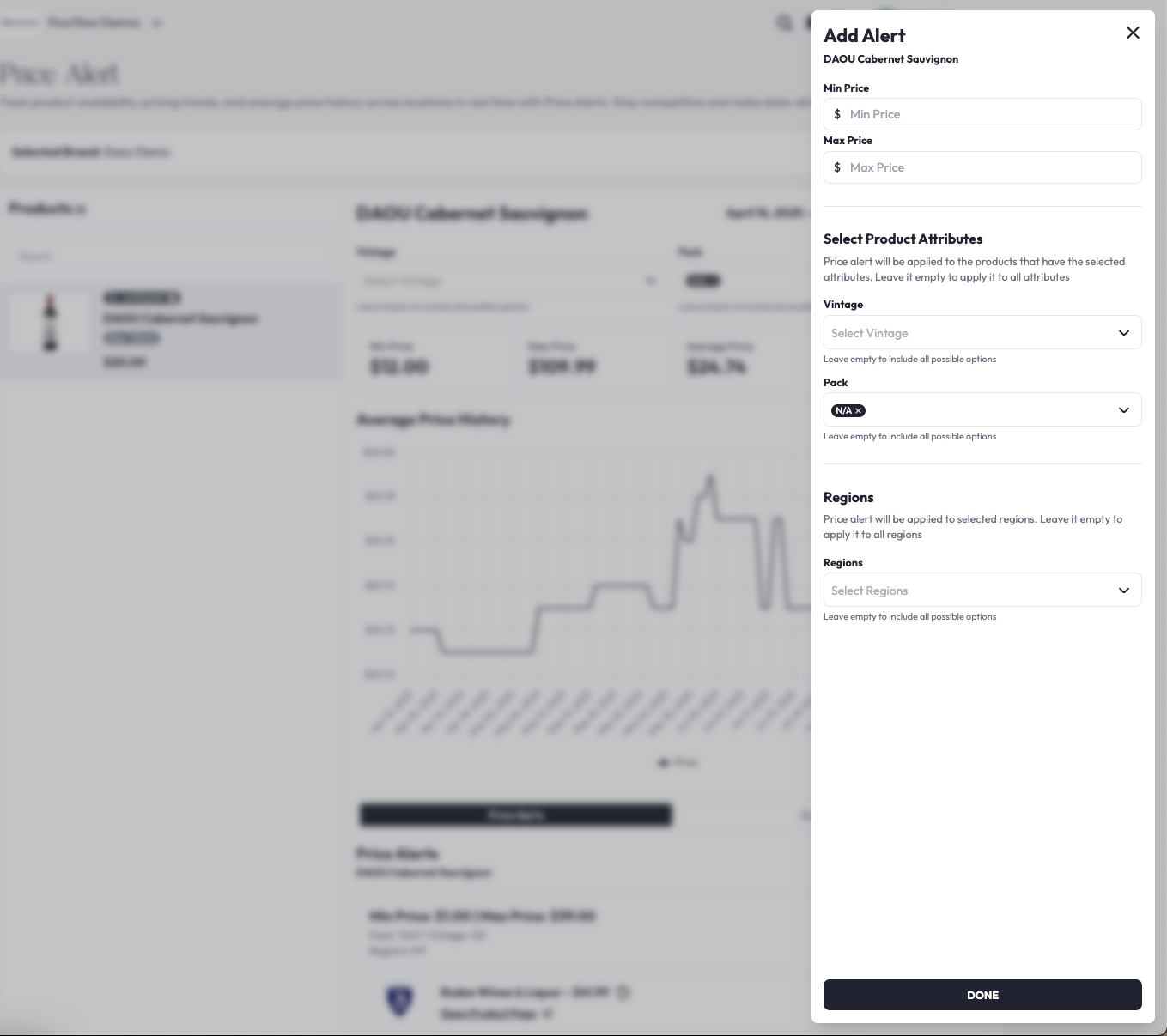
The alert automatically monitors all retailers selling this product outside of the designated range.
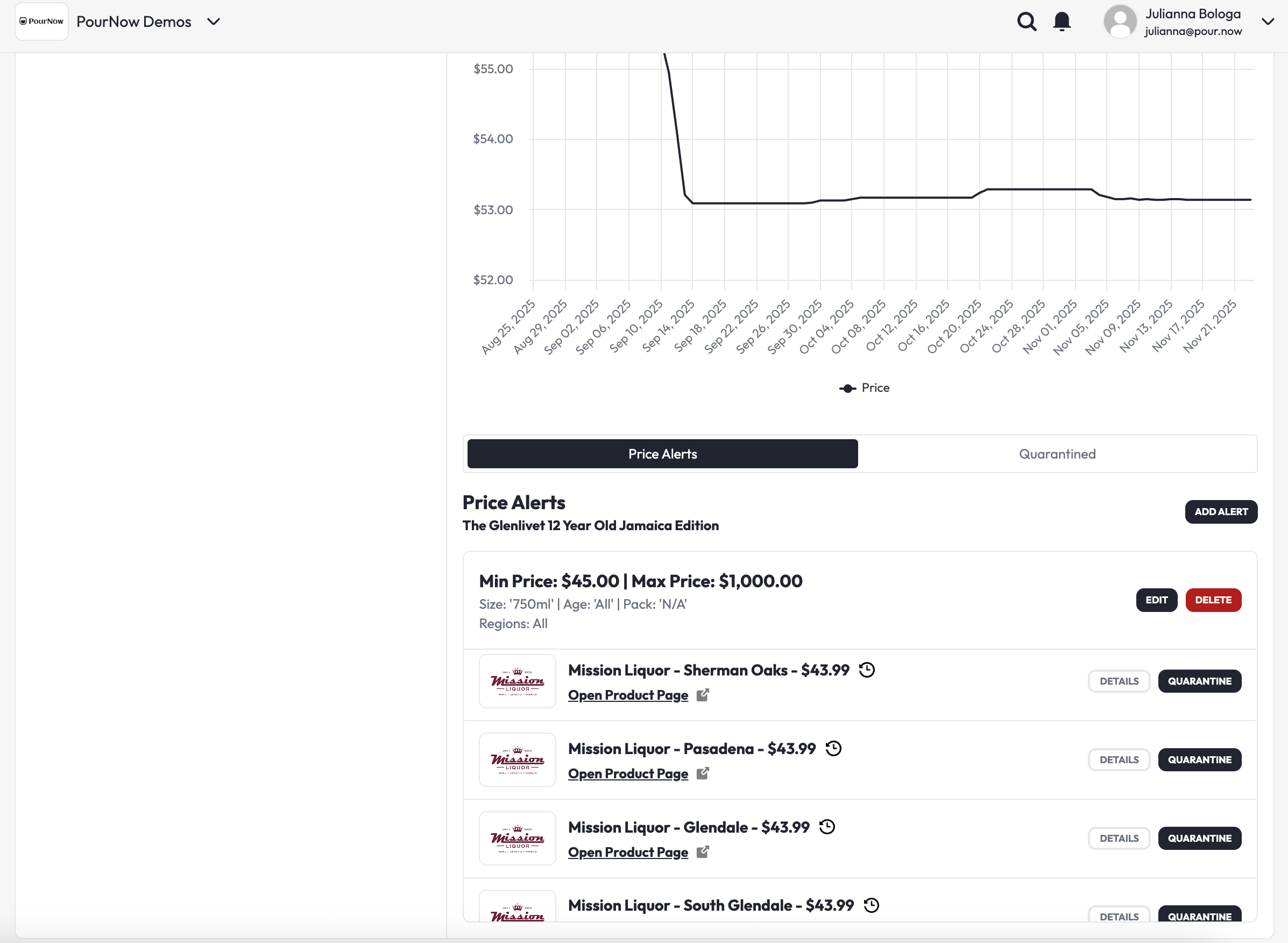
Retailers outside price range
When a retailer’s price violates the alert:
- The retailer appears under the price alert.
- You can quarantine the retailer for 72 hours by clicking the QUARANTINE button.
- During quarantine, you and your sales team can contact the retailer to resolve the issue.
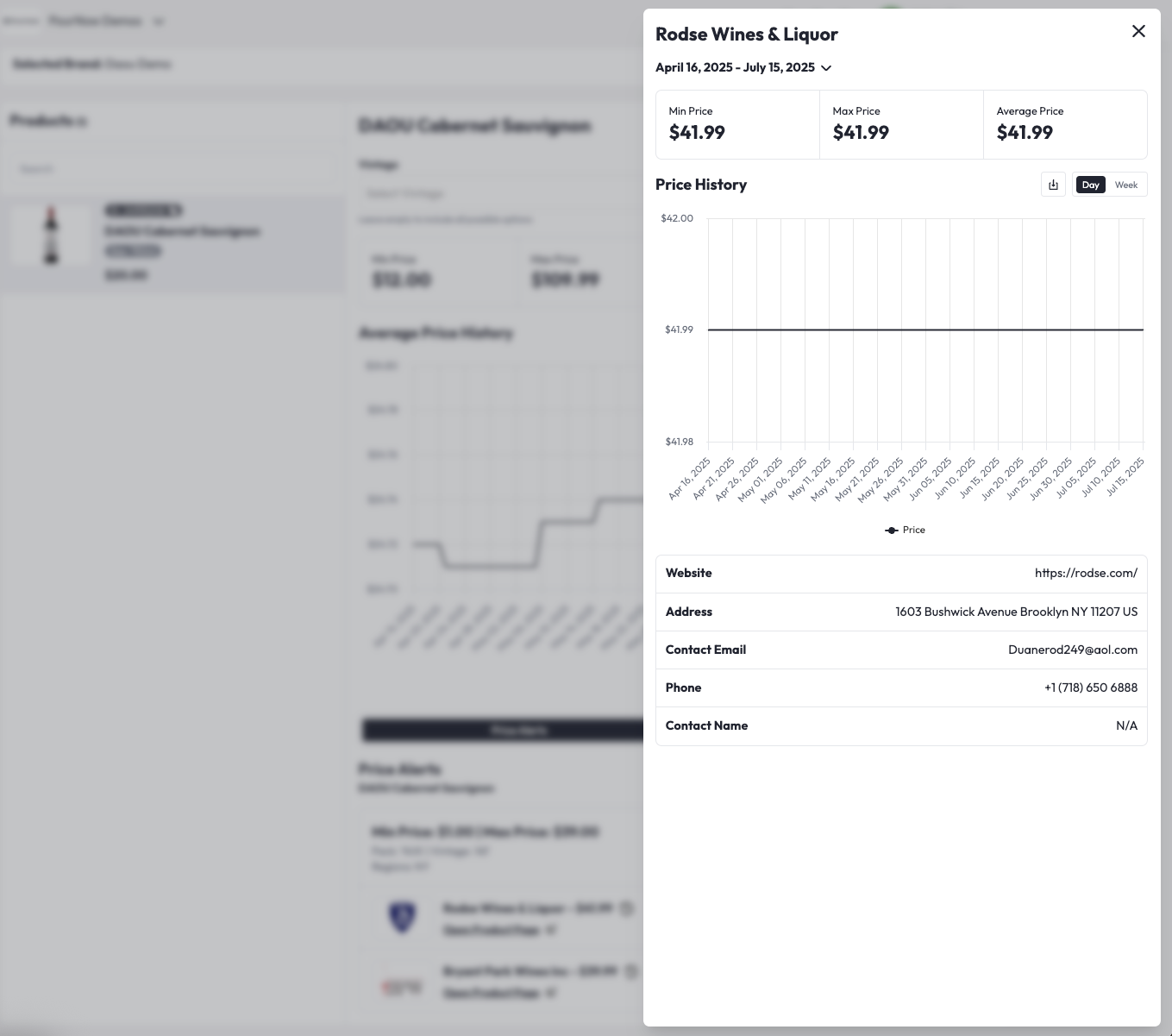
Retailer Details & History
- DETAILS button: Opens a modal showing:
- Retailer’s min, max, and average price.
- Price history chart.
- Contact information.
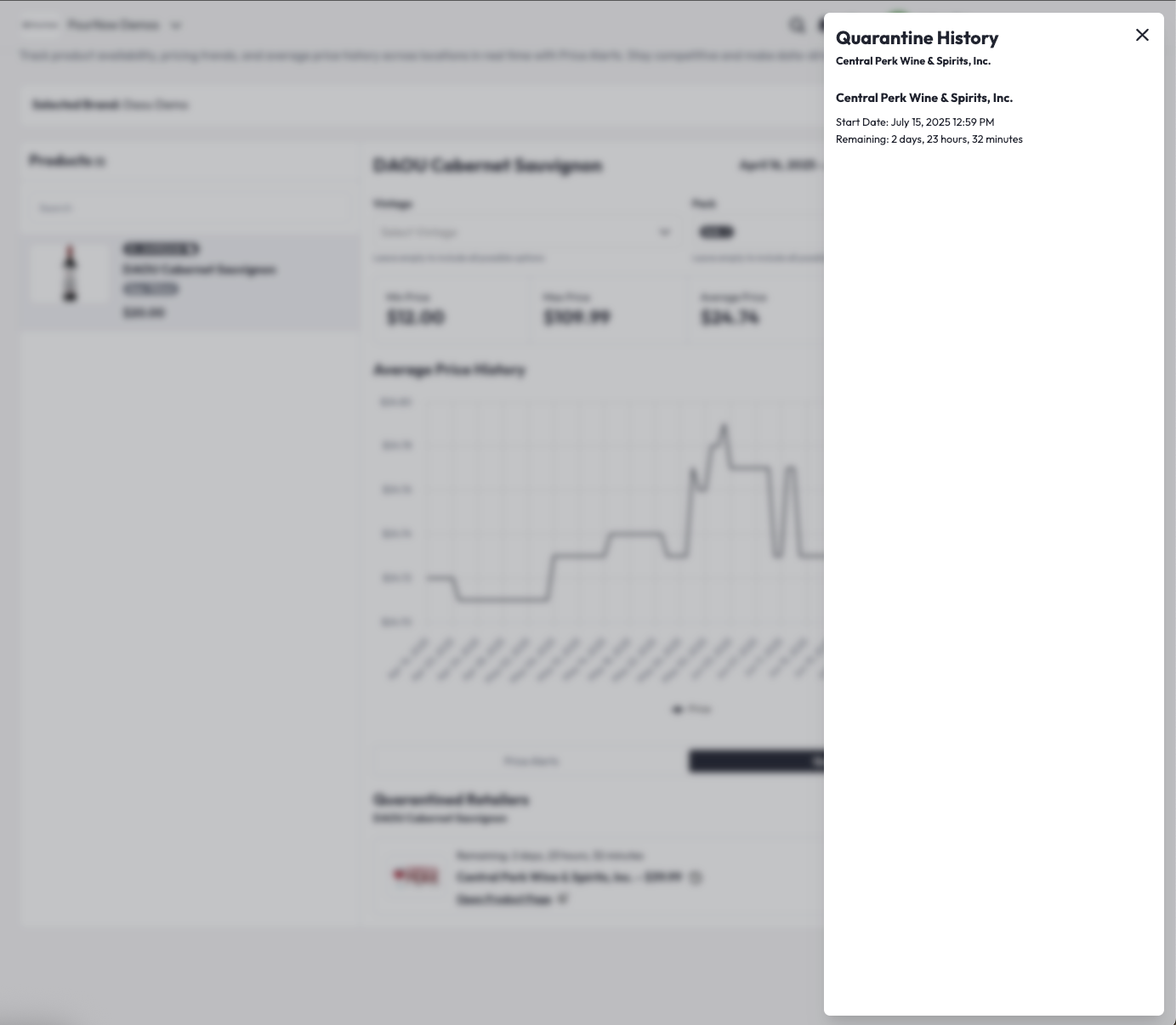
- Quarantine History: Click the clock icon to view past quarantine records for that retailer.
🚫 Quarantined Retailers
In the Quarantined Retailers section, view and manage all currently quarantined retailers for the selected product.
For each retailer, you can see:
- Quarantine start date
- Quarantine end date
If needed, you can lift quarantine early by clicking LIFT QUARANTINE.
Important Rules
| Rule | Details |
| Quarantine duration | Quarantine lasts 72 hours. Once you quarantine a retailer, the hold runs for 72 hours unless you lift it early. You can lift a quarantine early. If the retailer resolves the pricing issue before the 72 hours are up, click LIFT QUARANTINE. Quarantine is set per product. A retailer only appears under a price alert when its price for that product falls outside the min or max you set. |
| Cooldown | Retailers can’t be quarantined again within 7 days (to prevent abuse). |
| Alert deletion | Deleting a price alert automatically lifts all quarantines associated with it. |
Best Practices
- Keep price alerts up to date with realistic min and max prices.
- Regularly check quarantined retailers to lift quarantines if the issue is resolved early. Prices reflect active Listings at the time of collection. Availability can change as retailers sell out or stop carrying a product, so counts may shift.
- Use filters to tailor alerts to specific SKUs, vintages, or regions.
Coming soon: price alert notifications on the Overview page.