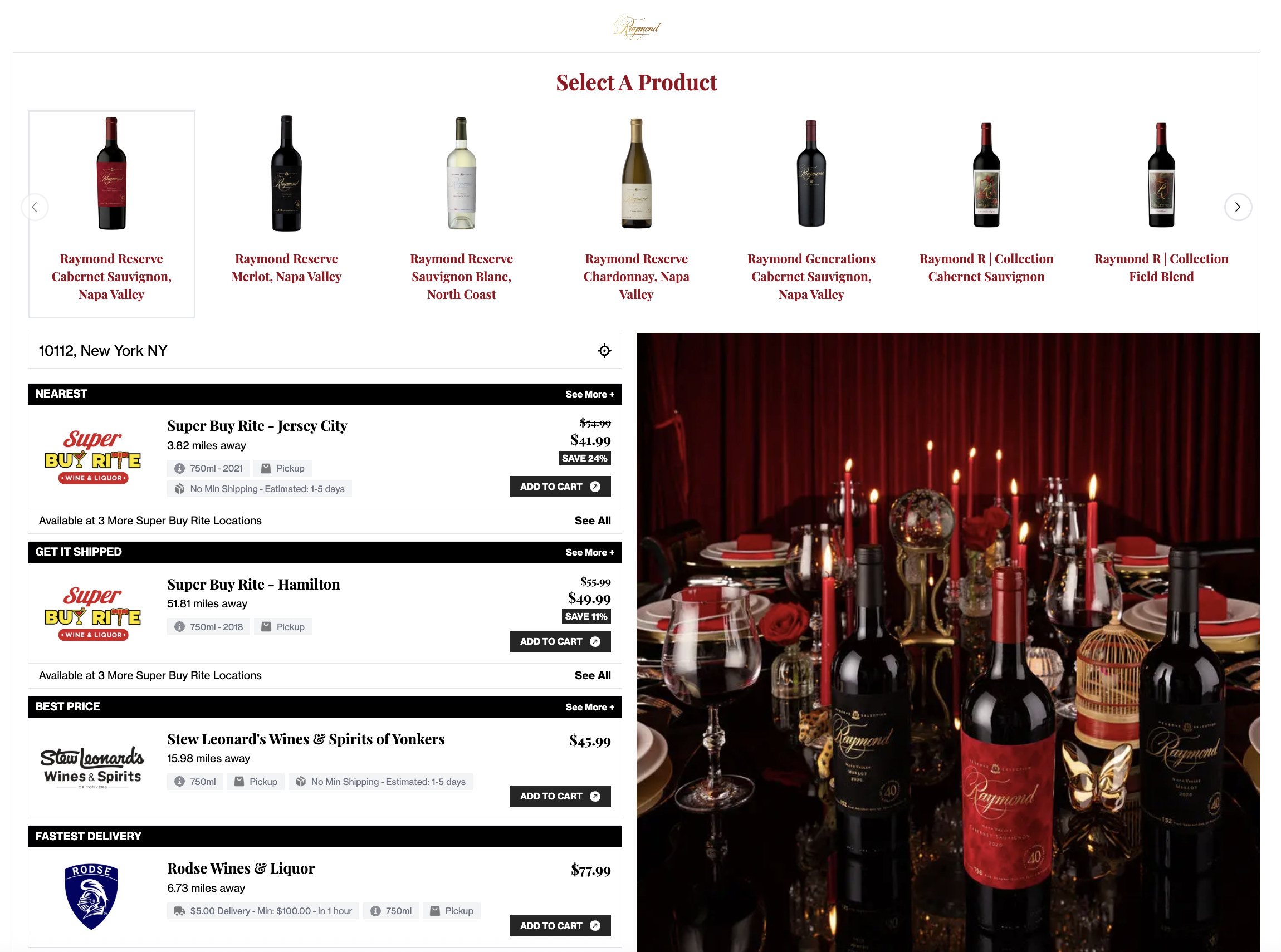
How do I add media to the product carousel listing template?
Optimizing your creative for the full screen listing template
Adding custom media to a Product Carousel template
- Navigate to Listings
- Click the three dots on the far right of the Listing card
- Select Edit Listing
- Click Images
- Upload a Product Carousel Image
Tip! For the best display on your listing, please upload an image with a 4:5 aspect ratio (i.e., 1080 x 1350 px). The image must be no larger than 10 MB. Make sure important content is centered and not too close to the edges — the image will resize fluidly across different screen sizes.