How do I use the full screen Listing template?
Optimizing your creative for the full screen listing template
Adding custom media to a Full Screen template
- Navigate to Listings
- Click the three dots on the far right of the Listing card
- Select Products Config
- Click Update Media
Tip! For the best display on your listing, upload images and videos in a 16:9 aspect ratio. We suggest using 1600x900 px size. Media should not exceed 10MB in size.
Tips for Formatting Full Screen Images or Video
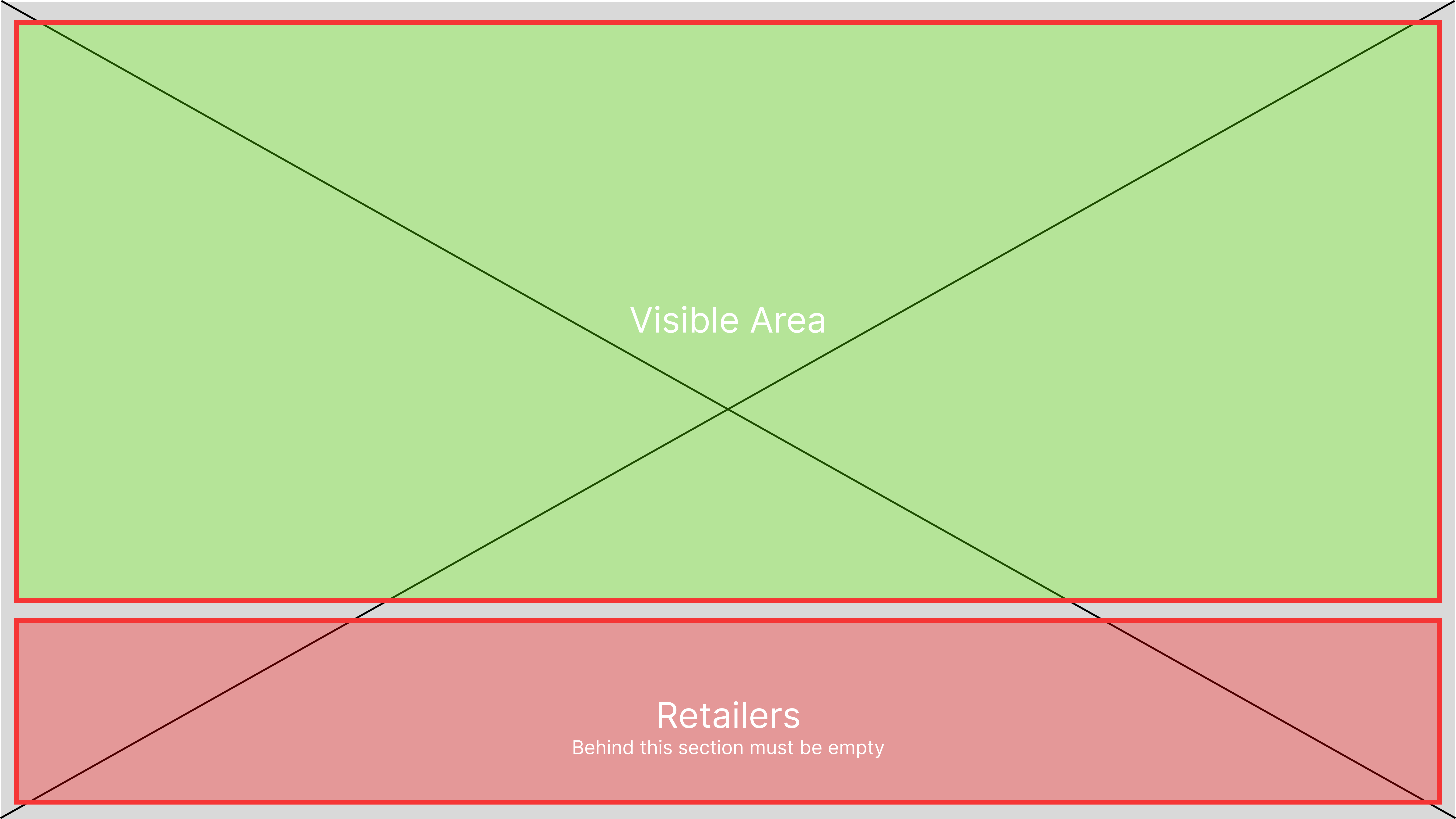
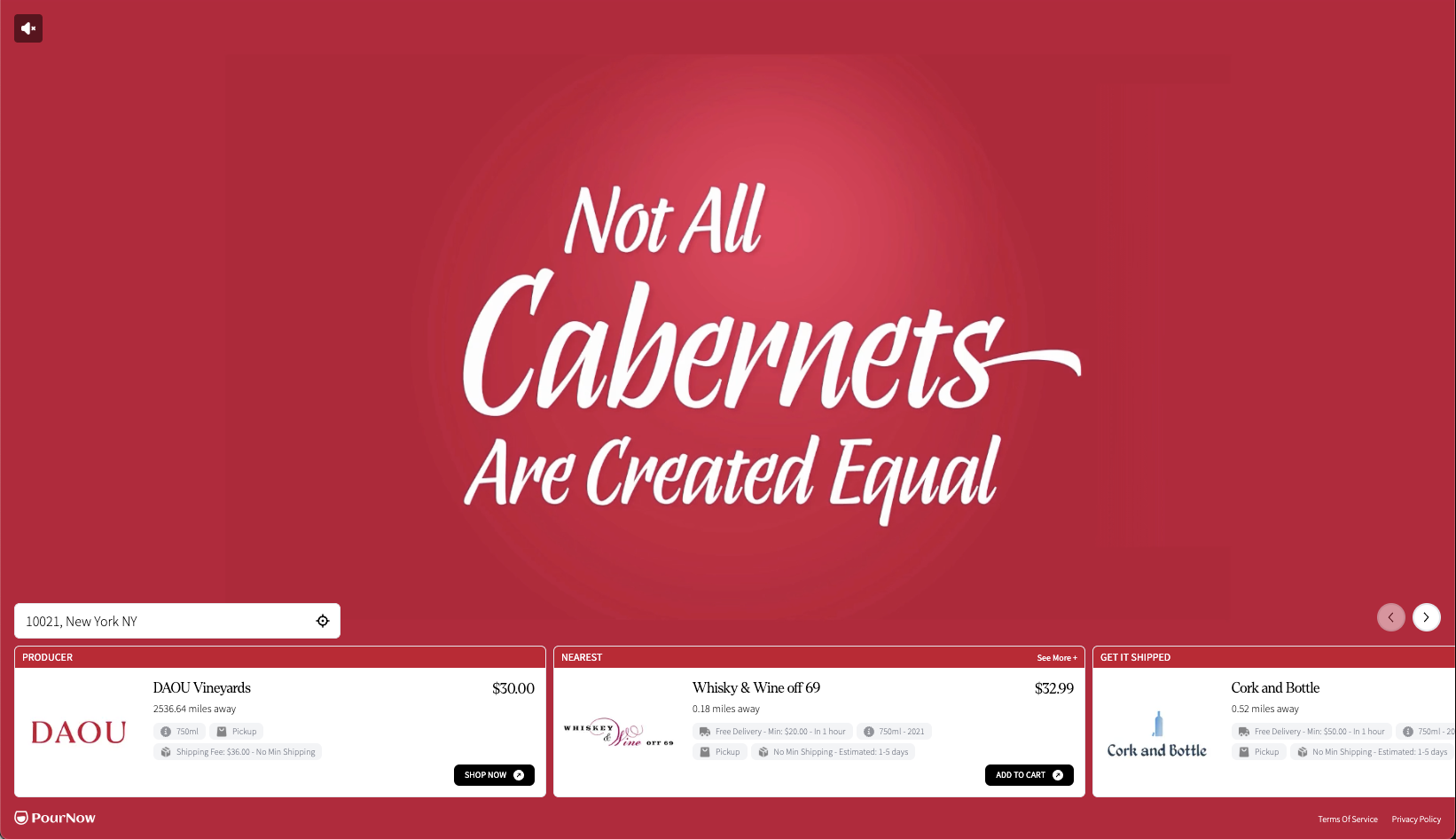
- If the template is full screen, the product image or videos MUST have 16:9 aspect ratio.
- The part behind the retailers MUST be empty (Dead Area)
If the retailers list is on the right side:
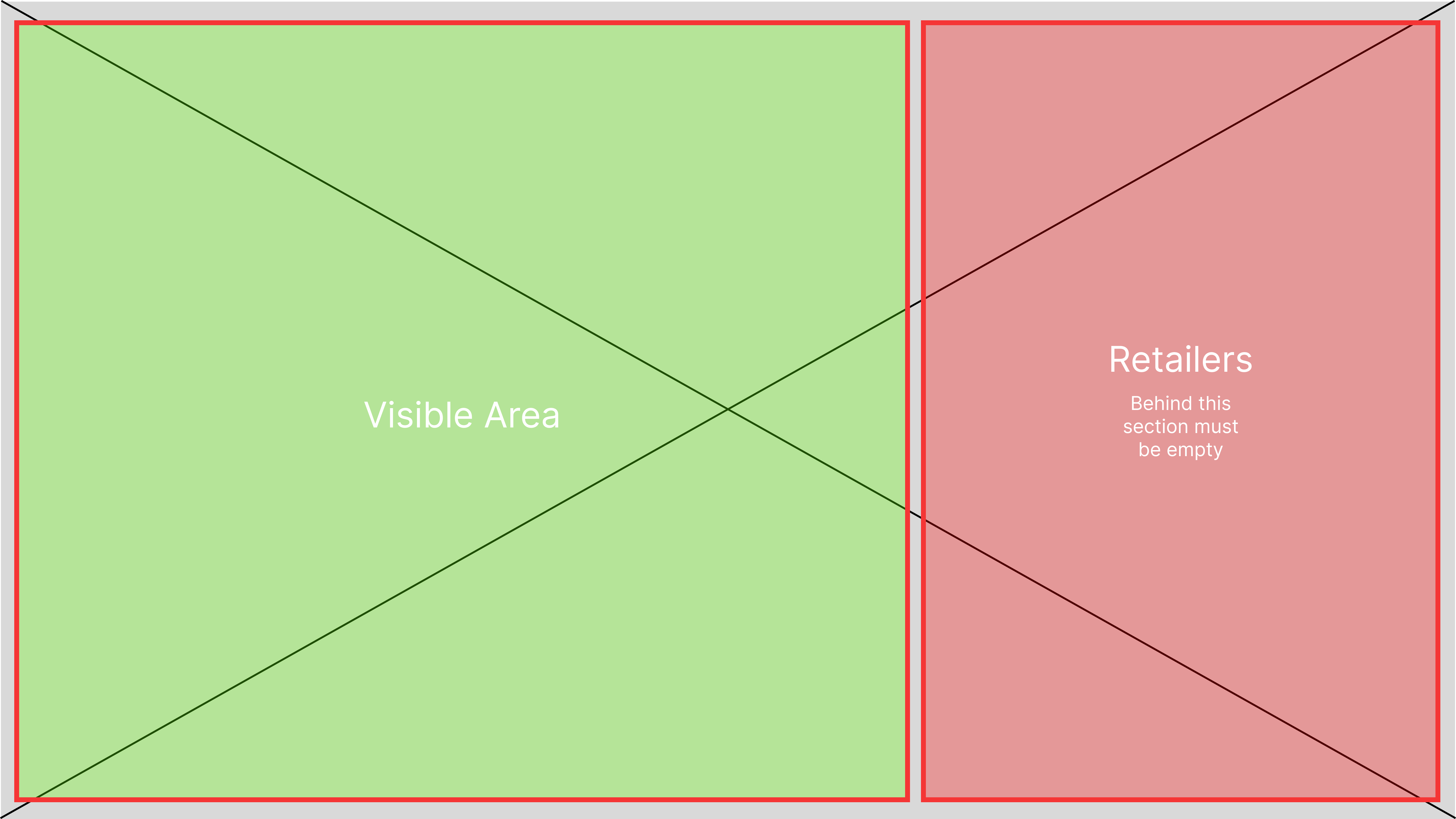
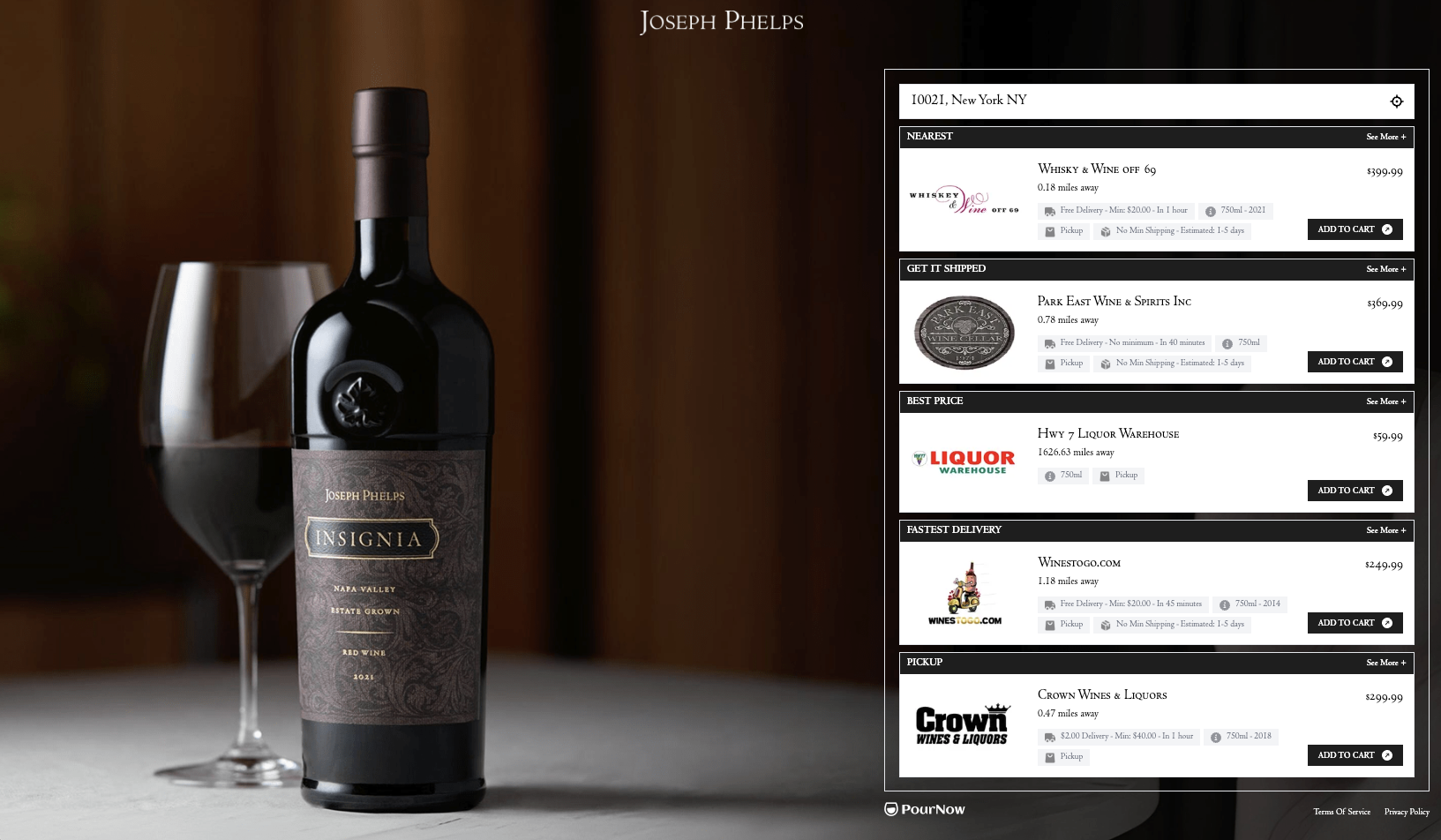
If the retailers list is on the left side:
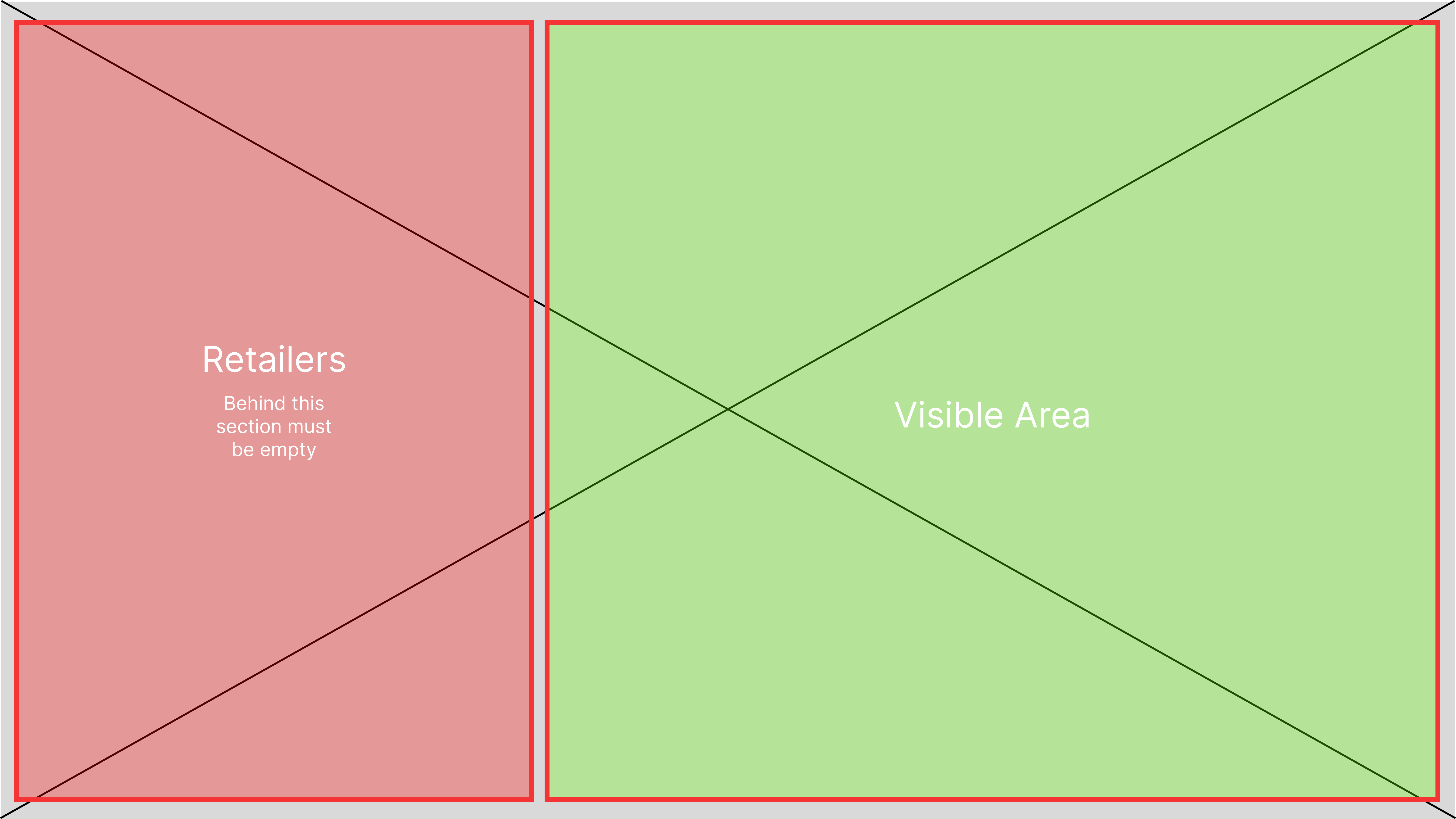
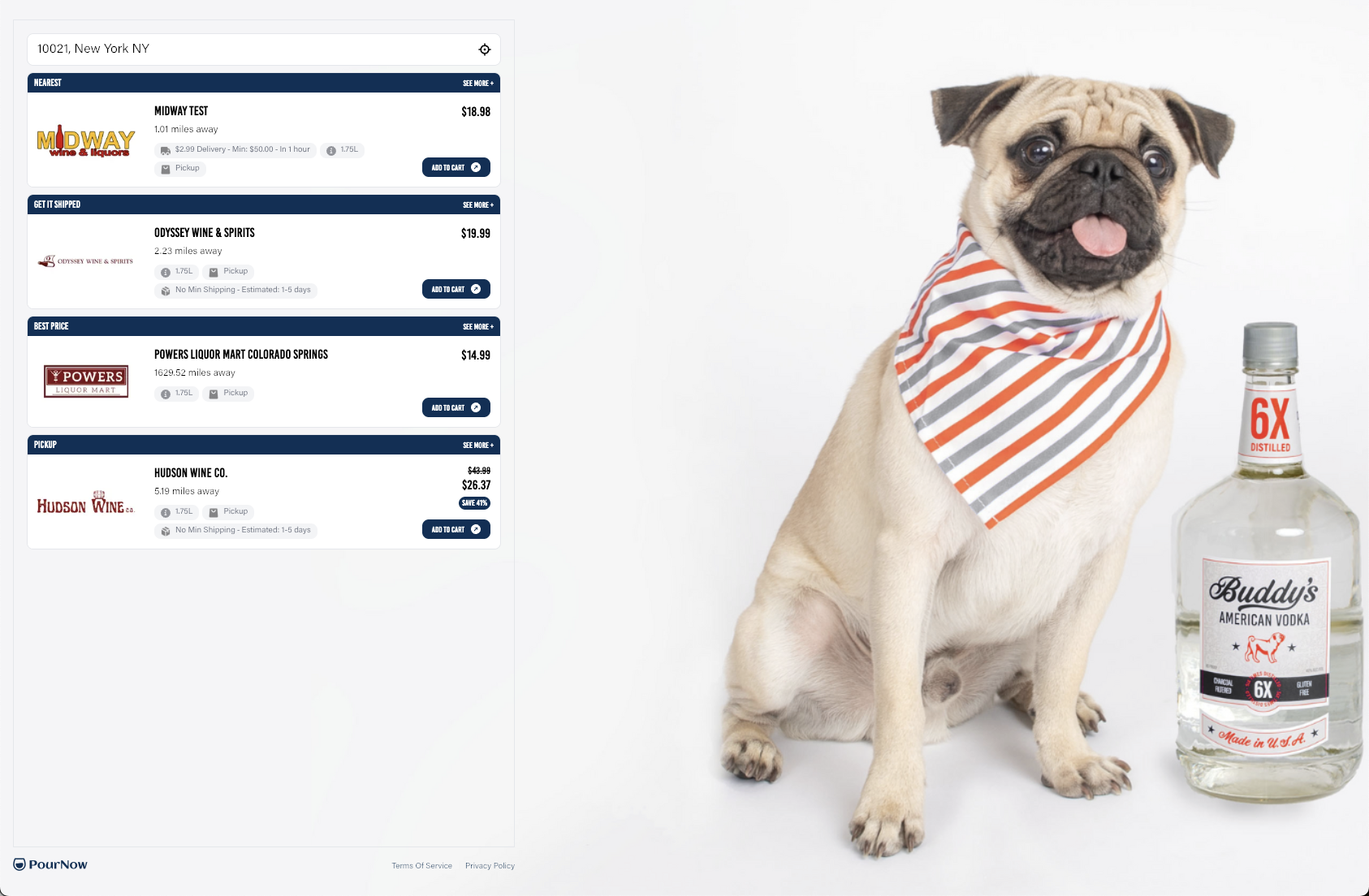
If the retailers list is centered
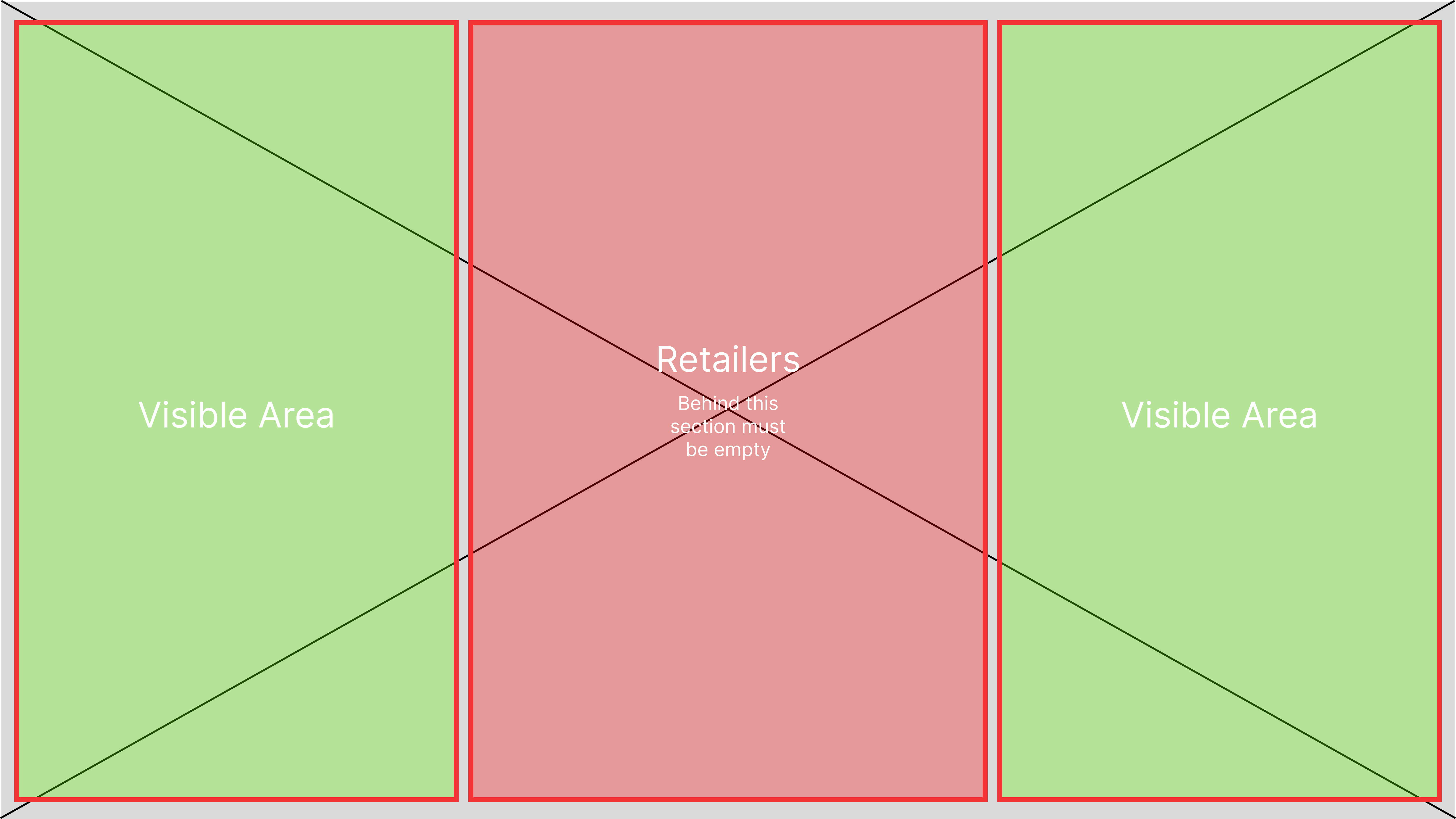
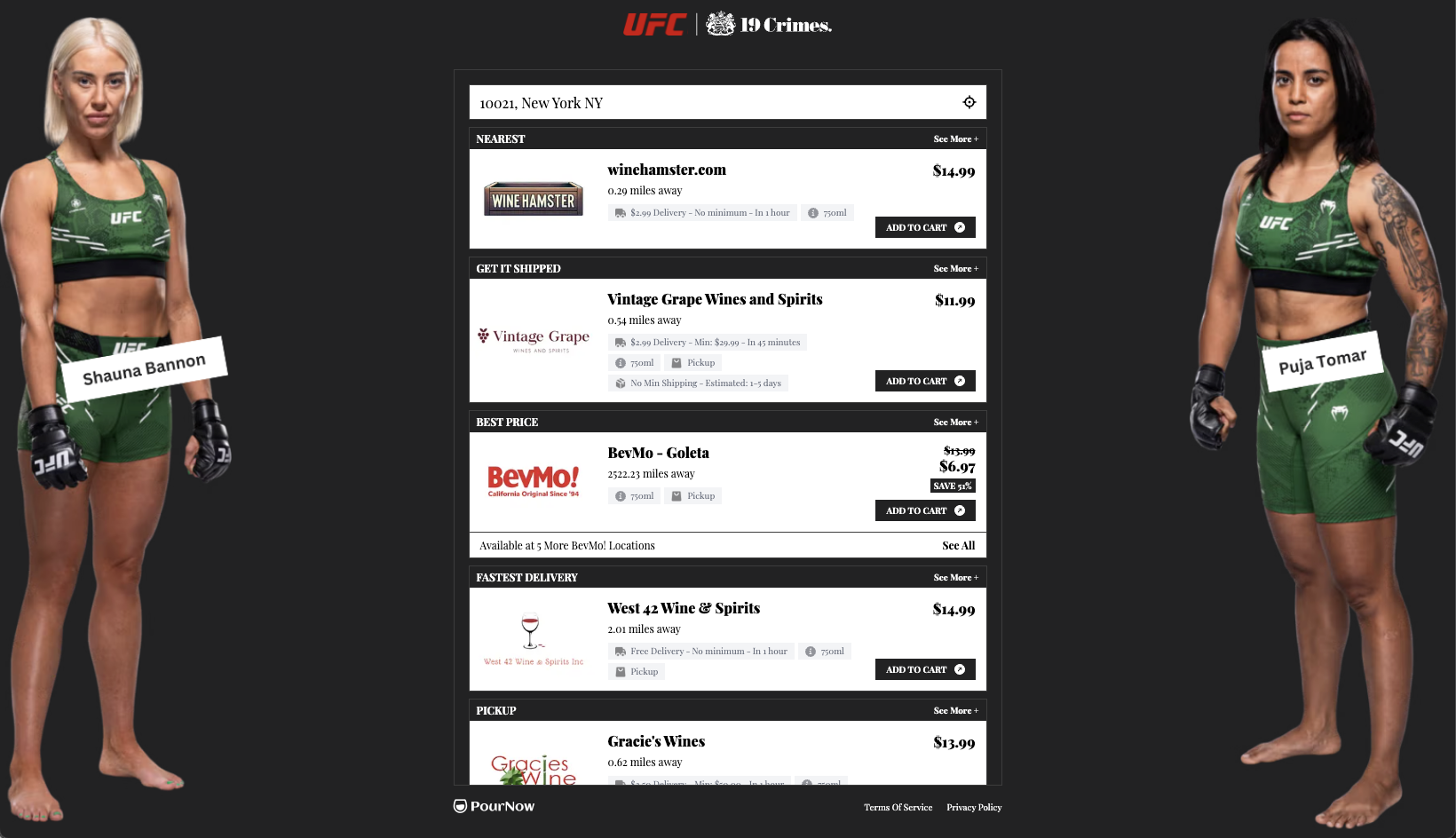
If the retailers list is at the bottom