
How do I change my password?
TL;DR. You can change your password two ways: from your profile settings while you are logged in, or with the "Forgot password?" link on the login screen if you are locked out.
What this covers
There are two ways to set a new Pour Now password. Use your profile settings when you are logged in and know your current password. Use the login-screen reset when you cannot get in.
Why you might change it
Change your password if you think someone else has it, if you are asked to as part of a security check, or if you simply cannot remember it and need back in. A current, private password keeps your brand data and reporting protected.
How to change it
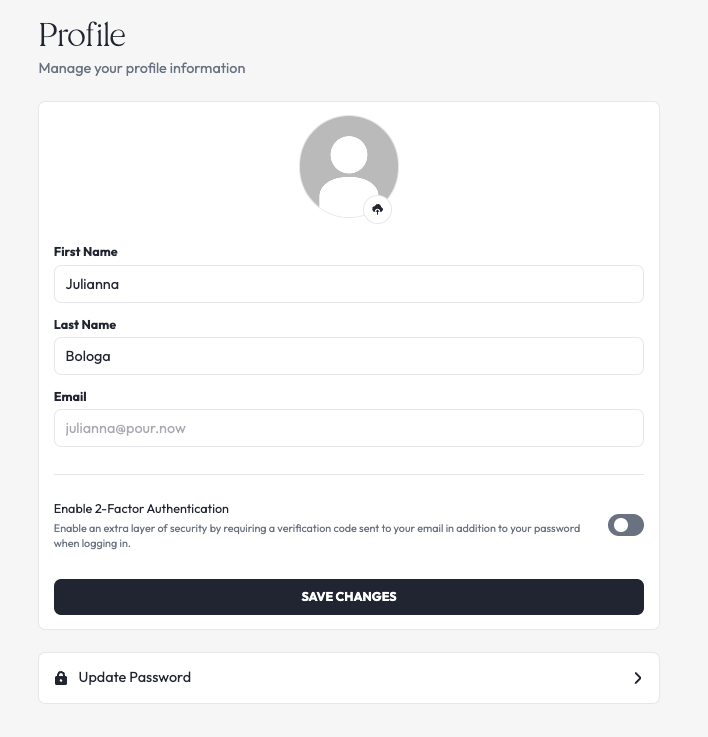
If you are logged in:
Go to your profile and then click "Update Password".
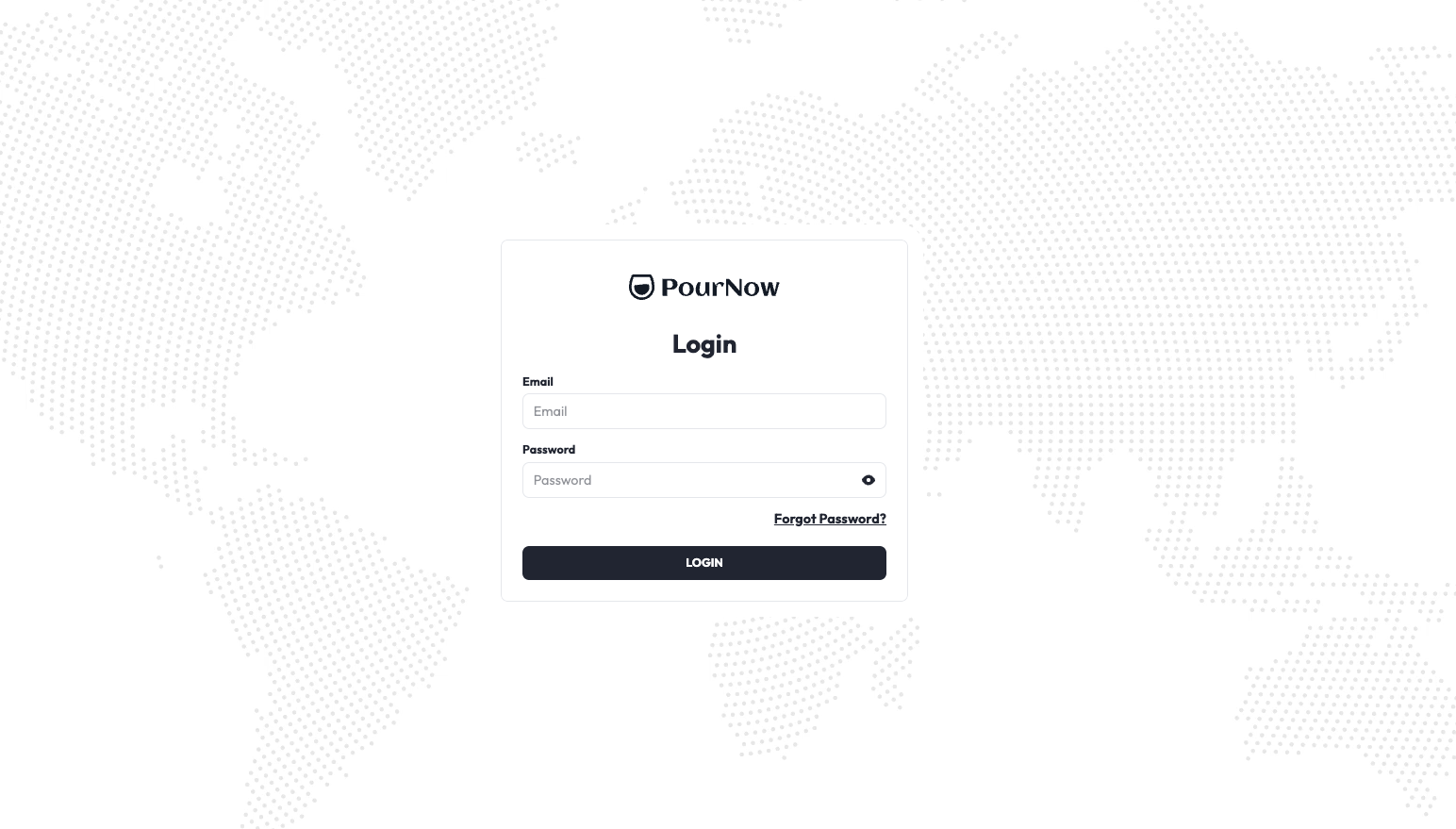
If you are locked out:
On the login screen, request a password reset by clicking "Forgot Password?".
What to expect
When it works, you can log in with the new password right away. If the reset email does not arrive within a few minutes, check your spam folder and confirm you used the email tied to your account. If the "Forgot password?" link does not send anything, the address may not be on file yet, so contact the team.
Need more help?
Contact us at help@pour.now or use the in-platform widget to send feedback directly to our development team.