
How do I update product images?
Within Pour Now, you have full control of your Listings, including updating product images at either the Listing level or the Product level. Here's how to do both.
Clear, accurate product images help shoppers recognize the exact product and buy with confidence, so it's worth keeping them current.
Product Level: Update Product Images
Note: Updating the Product Image at the Product level will apply that image to all Listings where that product is featured.
1. Navigate to Products
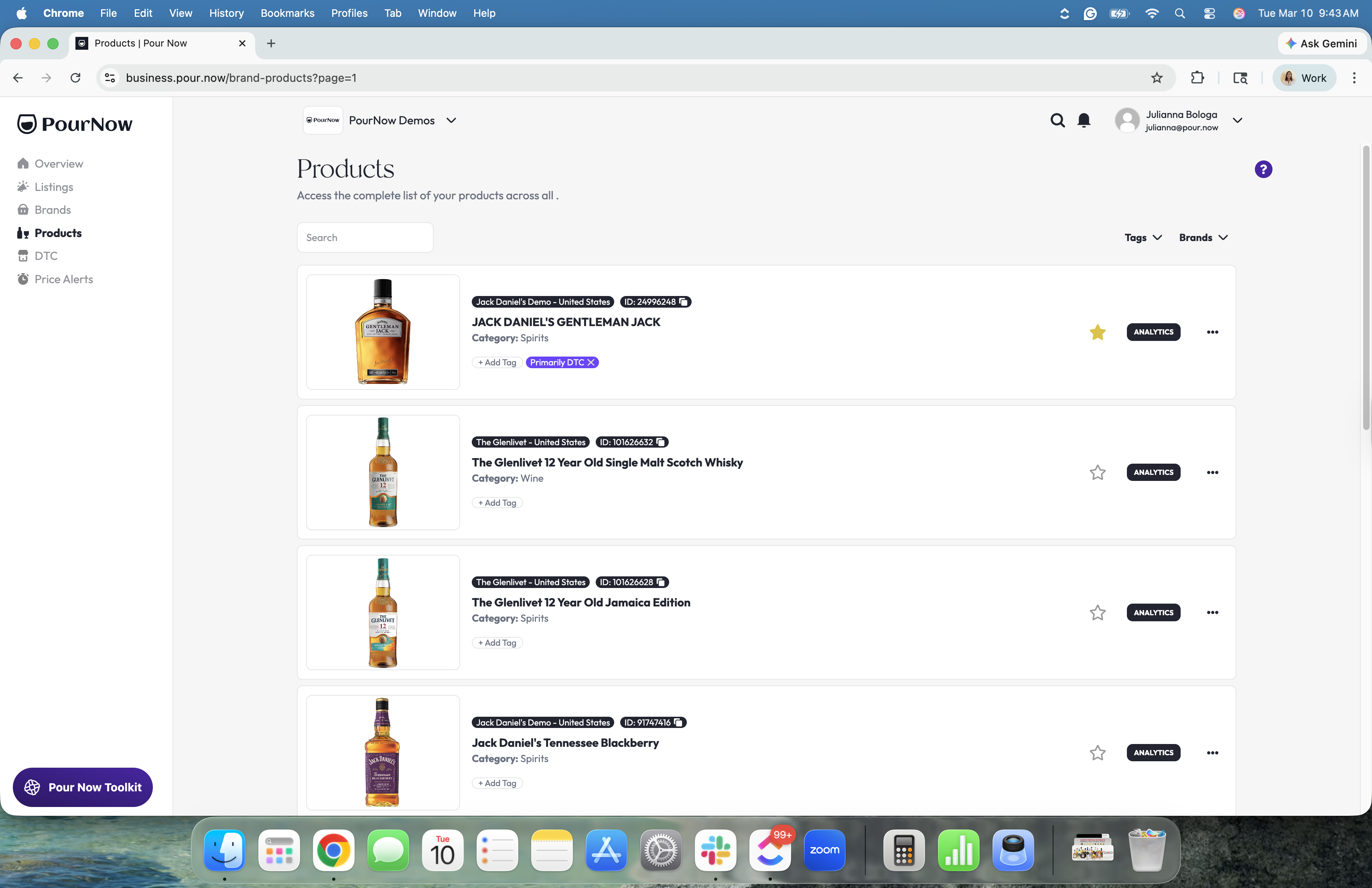
2. When you've found the product you want, click the "..." on the right-hand side of the Product Card, then "Edit"
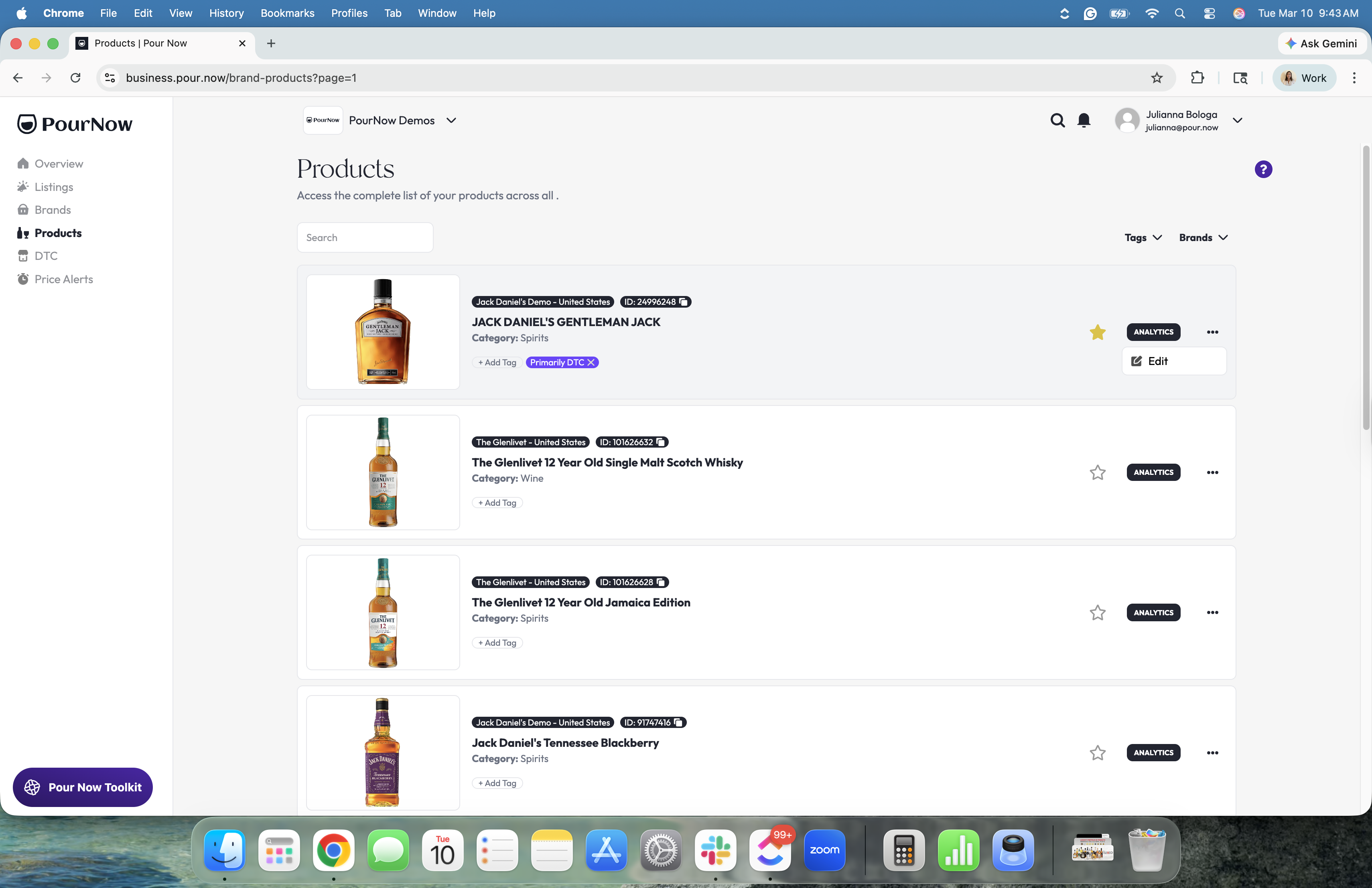
3. Upload the new image using the specs detailed on the Product page and you're done!
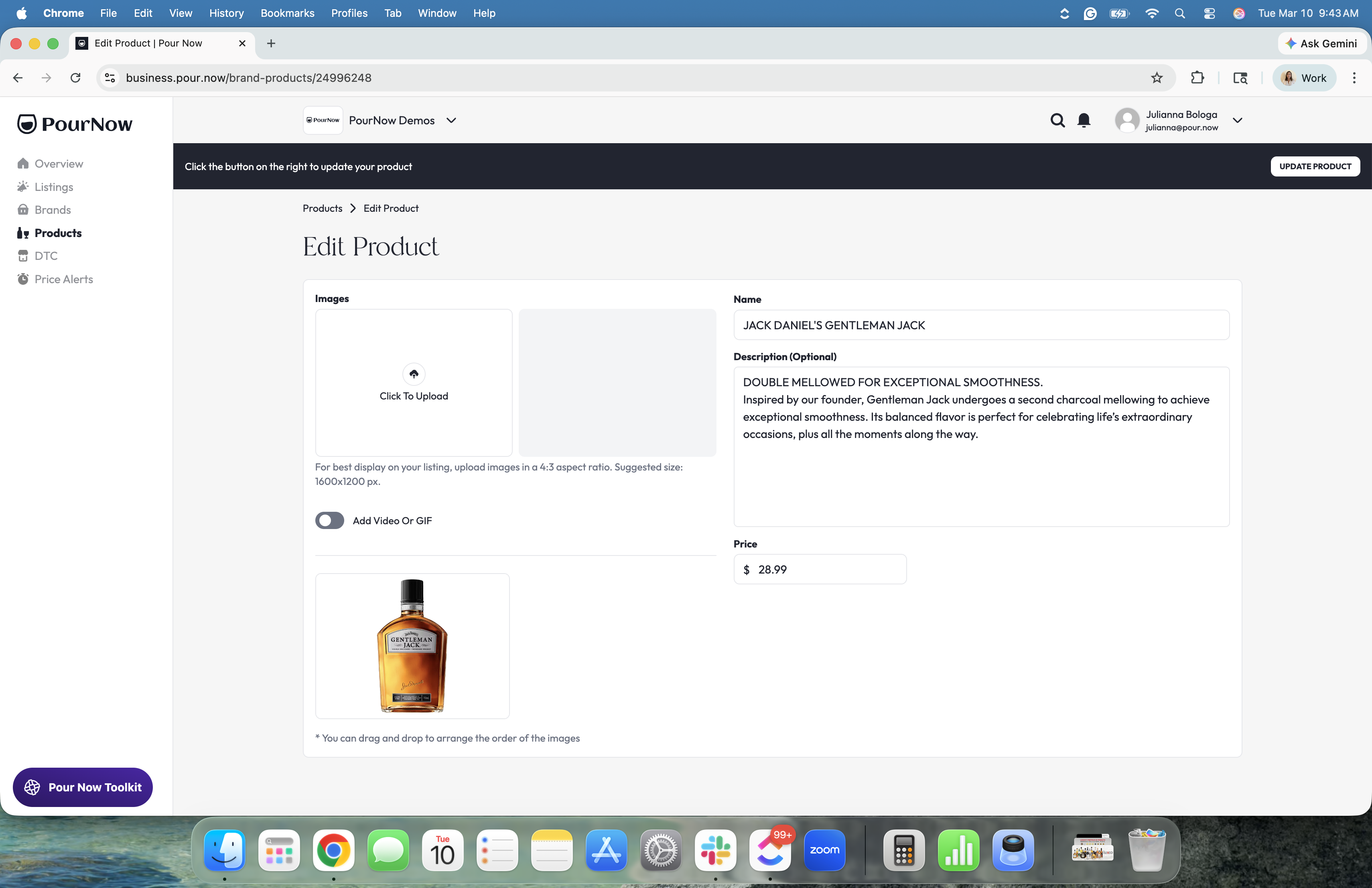
Listing Level: Update Product Images
Note: Updating the Product Image at the Listing level applies that image only to that specific Listing.
To find the step-by-step instructions for adding custom media to Listings, see: https://support.pour.now/en/article/adding-custom-media-to-listings